Most event organizers watch the obvious numbers: venue cost, artist fees, sponsor revenue, ad spend, and total ticket sales.
That is important, but it is not the whole margin story. Event profitability is often shaped by smaller ticketing decisions that look harmless at first: how fees are handled, how many ticket tiers you create, how checkout is structured, whether early bird pricing is timed well, and whether reporting is used before the next campaign starts.
None of these decisions usually destroys margins alone. The problem is accumulation. One small friction point lowers conversion. One unclear ticket type increases support. One fee decision quietly reduces revenue on every order. Over time, small ticketing decisions either protect your margins or slowly erode them.
Quick answer
Small ticketing decisions hurt event margins when organizers ignore fee structure, overcomplicate ticket tiers, add checkout friction, underuse early bird pricing, skip reporting, or treat ticketing as “set and forget.” Improving margins often starts with clearer pricing, simpler ticket options, better checkout flow, and regular review of ticket sales data.
In this guide
- Where ticketing costs actually show up
- Why fee decisions need a long-term view
- How too many ticket tiers can lower clarity
- Why checkout friction quietly reduces revenue
- How early bird pricing should shape demand
- Which ticketing reports help protect margins
- A practical margin review checklist
Understand Where the Money Actually Goes
Before adjusting tactics, organizers need to understand the structure behind ticketing costs.
Broadly speaking, many ticketing setups fall into two models. SaaS ticketing platforms usually charge per-ticket fees on top of payment processing. That can be a percentage of each ticket, a fixed amount per ticket, or both.
Self-hosted ticketing systems work differently. The software runs on your own website and does not take a percentage of every sale. In that model, the main unavoidable per-transaction cost is usually the payment gateway fee.

That distinction becomes more important as sales volume grows. With per-ticket platform fees, ticketing cost scales directly with revenue. With a self-hosted model, software cost is usually more predictable, while payment processing still scales with transactions.
Neither model is automatically right for every event. But if margins matter, fee architecture is one of the first places to review.
Fee Decisions Should Be Intentional
Absorbing fees can feel customer-friendly. Passing them to buyers can feel risky. Hiding them inside the ticket price can feel cleaner. Each option has trade-offs.
The mistake is not choosing one approach. The mistake is choosing by habit instead of strategy.
A few percent may look small on a single order. Across hundreds or thousands of tickets, multiple events, and repeated editions, that number becomes real money. It can influence whether an event has enough margin for better production, more staff, stronger marketing, or a safer reserve.
Good fee decisions consider:
- ticket price sensitivity
- audience expectations
- competitor pricing
- payment processing costs
- whether fees should be absorbed, shown, or built into the price
- how the decision affects repeat buyers
Margins deserve deliberate ticketing decisions, not automatic defaults.
Too Many Ticket Tiers Can Reduce Clarity
Ticket tiers can increase revenue when they are based on real buyer motivations. They can also create confusion when they are added without a clear purpose.
It is tempting to create:
- Early Bird A
- Early Bird B
- General Admission
- VIP
- Super VIP
- Group bundle
- Partner allocation
- Promo-code-only tickets
Sometimes that structure is useful. Other times, it makes the buying decision harder. Too many ticket types can dilute perceived value, complicate reporting, increase support questions, and make checkout feel heavier than it should.
A simpler ticket structure can often convert better because buyers understand the difference faster. Complexity should earn its place. If a tier does not support pricing strategy, segmentation, capacity control, or buyer clarity, it may be hurting more than helping.
Checkout Friction Quietly Lowers Revenue
Checkout is easy to treat as a technical step. In reality, it is one of the most important revenue moments in the entire event funnel.
Every extra field, unclear instruction, unexpected redirect, confusing fee, or slow page creates friction. Most friction does not cause obvious failure. It simply reduces conversion by a few percentage points.
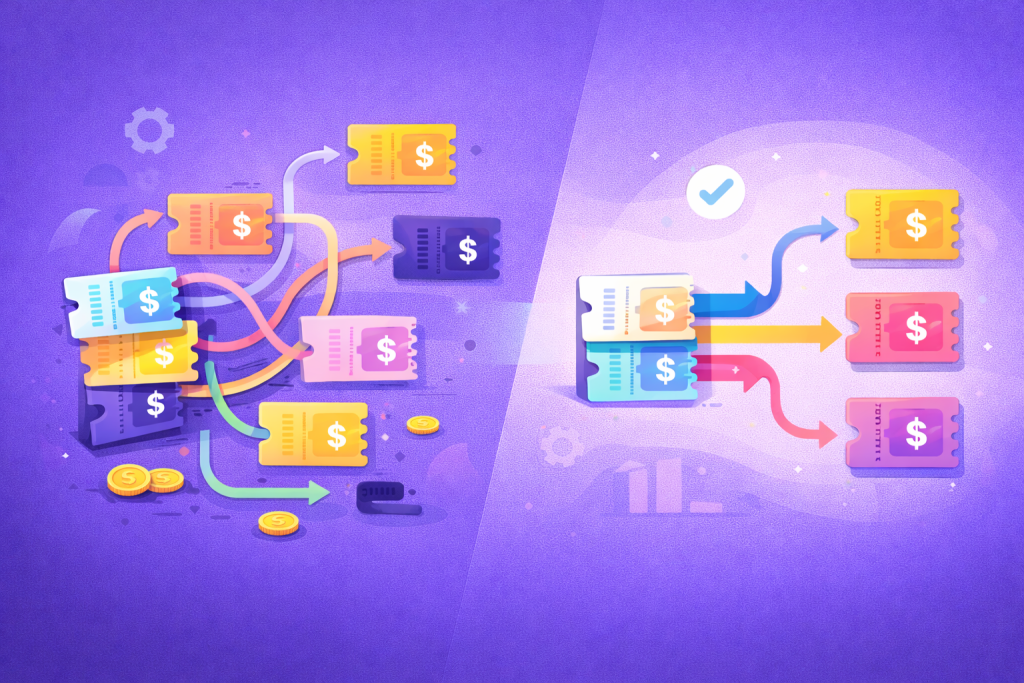
Before launching another discount campaign, organizers should walk through their own purchase process slowly on desktop and mobile. Ask whether the path is obvious, whether the buyer understands what they are getting, and whether any field or step creates hesitation.
Confirmation emails matter too. If buyers do not receive tickets or receipts reliably, support volume increases and trust drops. Many email deliverability issues are configuration problems, but they still affect the buyer experience.
Early Bird Pricing Needs a Job
Early bird pricing is powerful when it is used to shape buyer behavior. It is weaker when it is treated as a discount that simply happens at the beginning.
If the early bird period is too long, organizers may underprice demand. If it is too short, it may not create enough momentum. If the deadline is unclear, urgency disappears. If the price jump is too small, buyers have little reason to act.
A good early bird strategy should answer:
- What behavior are we trying to encourage?
- How much early cash flow do we need?
- How many tickets should be available at the lower price?
- When should the price change?
- How will buyers understand the deadline?
- What happens if early demand is stronger than expected?
Well-timed pricing phases can smooth cash flow and reduce last-minute pressure. Poorly structured ones can compress revenue into unpredictable windows.
Reporting Is Margin Protection
Margins improve when ticketing decisions are informed by real data.
If you are not reviewing sales patterns, you are making pricing and marketing decisions with only part of the picture.
- Which ticket tier sold fastest?
- When did sales slow down?
- Which promo codes actually generated profitable orders?
- How many buyers purchased multiple tickets?
- Which ticket type created the most support questions?
- What was the average order value?
- Where did revenue concentrate across the campaign?
Reporting should not be treated as an archive after the event. It is operational leverage for the next campaign.
Do Not Treat Ticketing as Set and Forget
Once a ticketing setup works, it is tempting to leave it untouched. But events change. Audiences change. Pricing expectations change. Operational pressure changes as the event grows.
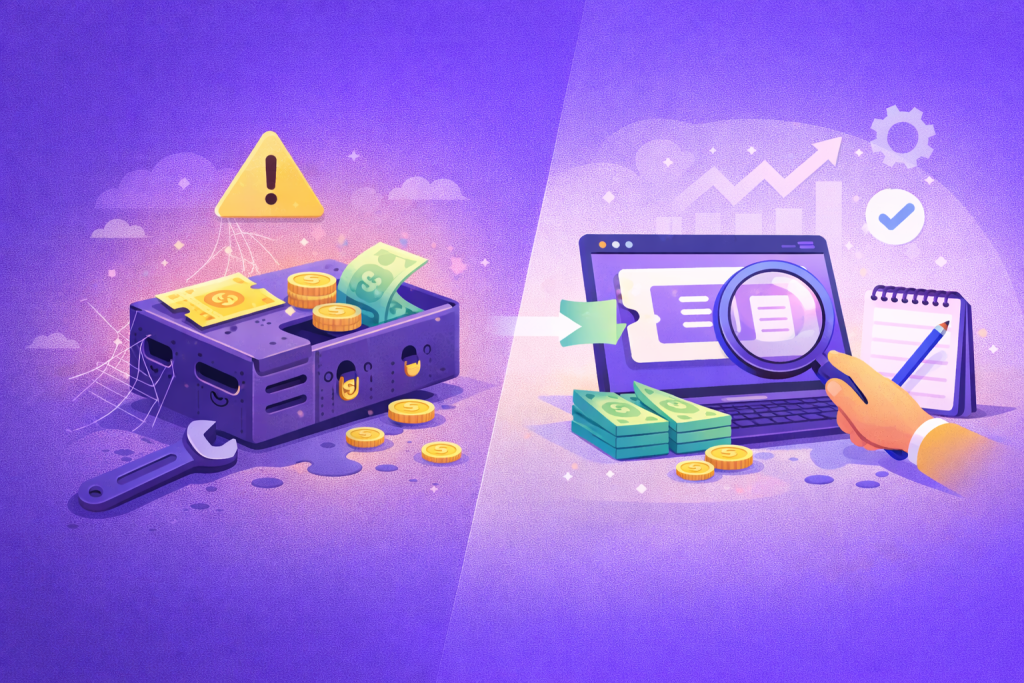
Small adjustments can produce measurable results:
- rewrite ticket descriptions
- simplify ticket tiers
- adjust early bird deadlines
- review fee handling
- improve checkout instructions
- test mobile purchase flow
- review reporting before setting the next price
Ticketing is part of the revenue engine. It should be reviewed with the same seriousness as marketing spend, venue cost, or sponsor packages.
Ticketing Margin Review Checklist
Use this checklist before launching the next sales campaign.
- Calculate the true cost per ticket, including platform and payment fees.
- Decide whether fees will be absorbed, passed on, or built into pricing.
- Review whether each ticket tier has a clear purpose.
- Remove or merge ticket types that create confusion.
- Test checkout on mobile and desktop.
- Check whether confirmation emails and ticket delivery work reliably.
- Review early bird timing, quantity, and price jumps.
- Compare average order value across ticket types.
- Identify support questions caused by unclear ticketing.
- Use previous sales data before setting the next pricing structure.
Example: The Tier That Looks Profitable but Creates Work
Imagine a VIP ticket that sells reasonably well but creates repeated questions: what is included, where VIP attendees enter, whether seating is assigned, and whether the ticket includes food or drinks.
On paper, the tier looks profitable. In practice, the unclear offer increases support work, slows check-in, and creates small moments of disappointment when buyers expected something different.
The fix may not be removing VIP. It may be clearer naming, better description, a comparison table, stronger event page copy, and more precise staff instructions. That is the kind of small ticketing decision that protects both revenue and experience.
Recommended Next Read
If you are reviewing margins, these guides connect directly to ticket pricing and sales performance.
- Event ticket pricing strategy
- How to build an event landing page that sells tickets
- The hidden pressure behind a sold out event
Final Thoughts
When margins feel tighter than expected, the answer is not always a dramatic price increase or a painful cost cut. Sometimes the first move is reviewing the quiet decisions that shaped the ticketing system in the first place.
Fee handling, ticket tiers, checkout flow, early bird timing, and reporting may look like small details. But event profitability is built from details repeated across every order, every campaign, and every edition.
In ticketing, margins rarely disappear because of one big mistake. They usually leak away one small choice at a time.
FAQ
How can ticketing decisions hurt event margins?
Ticketing decisions can hurt margins through unnecessary fees, confusing ticket tiers, checkout friction, weak early bird pricing, poor reporting, and repeated support work caused by unclear setup.
Should event organizers pass fees to ticket buyers?
It depends on the audience, price sensitivity, and positioning. Some organizers absorb fees, some pass them on, and some build them into ticket prices. The key is to decide intentionally.
Are more ticket tiers better for revenue?
Not always. More tiers can help when they match real buyer motivations, but too many options can create confusion, lower conversion, complicate reporting, and increase support requests.
What ticketing data should organizers review?
Review sales pacing, ticket type distribution, revenue per tier, average order value, promo code performance, checkout issues, and repeated support questions.