Most event tickets are treated like utilities: necessary, functional, and quickly forgotten. But a ticket can do more than prove someone paid. It can reduce confusion, speed up check-in, support your brand, and even create sponsor value.
The perfect ticket is not always the most beautiful one. It is the one that fits the event, the audience, and the way people will actually use it at the door.
Short version: a perfect ticket is easy to scan, clear to read, useful for attendees, practical for staff, and designed around whether your audience will use it digitally, printed, or both.
Before opening Tickera’s ticket template editor, start with one simple question: will attendees mostly show tickets on their phones, print them, or do both?
Start With Digital vs Printed Tickets
This decision shapes the whole ticket experience. A student festival may be almost fully digital. A formal charity gala may still see many printed tickets. A family event may get a mix of phones, printed PDFs, and parents searching through emails while holding snacks, bags, and small children.
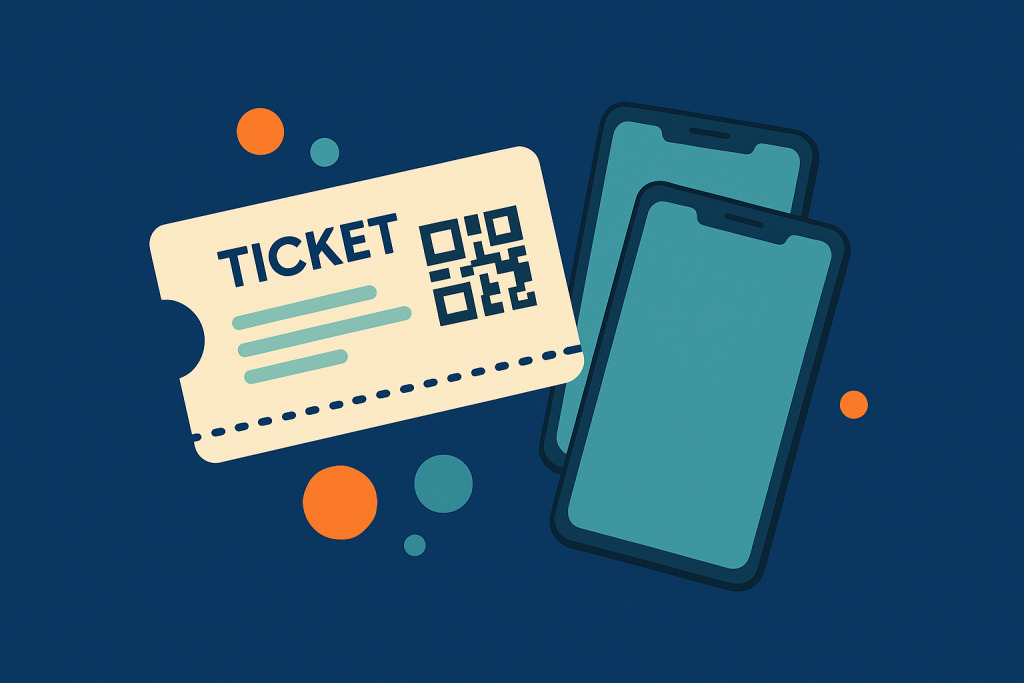
If your audience is digital-first, a full PDF template may not always be necessary. You can use Tickera’s solution for embedding QR codes directly in the confirmation email. Attendees can open the email, show the code, and move through check-in without downloading or printing anything.
Digital Ticket Works Best When
- Your audience is comfortable using phones at the door.
- You want fewer attachments and less printing.
- The event is casual, fast-moving, or mobile-first.
- You want the confirmation email to act as the ticket itself.
When a Designed PDF Ticket Makes Sense
Some events need more than a QR code in an email. A high-profile concert, conference, gala, festival, or VIP experience may benefit from a polished PDF ticket that feels like part of the brand.
That is when Tickera’s ticket template editor becomes useful. You can design tickets that carry the event identity, sponsor placements, attendee details, and scanning code in one clean layout.
| Use a simple digital ticket when… | Use a designed PDF ticket when… |
| Attendees mostly use phones | The ticket is part of the event experience |
| You want the fastest setup | You need stronger branding or sponsor space |
| The event is small or casual | The event is formal, premium, or collectible |
| Email QR codes are enough | You need printed-friendly layout and extra details |
Design Around Scanning First
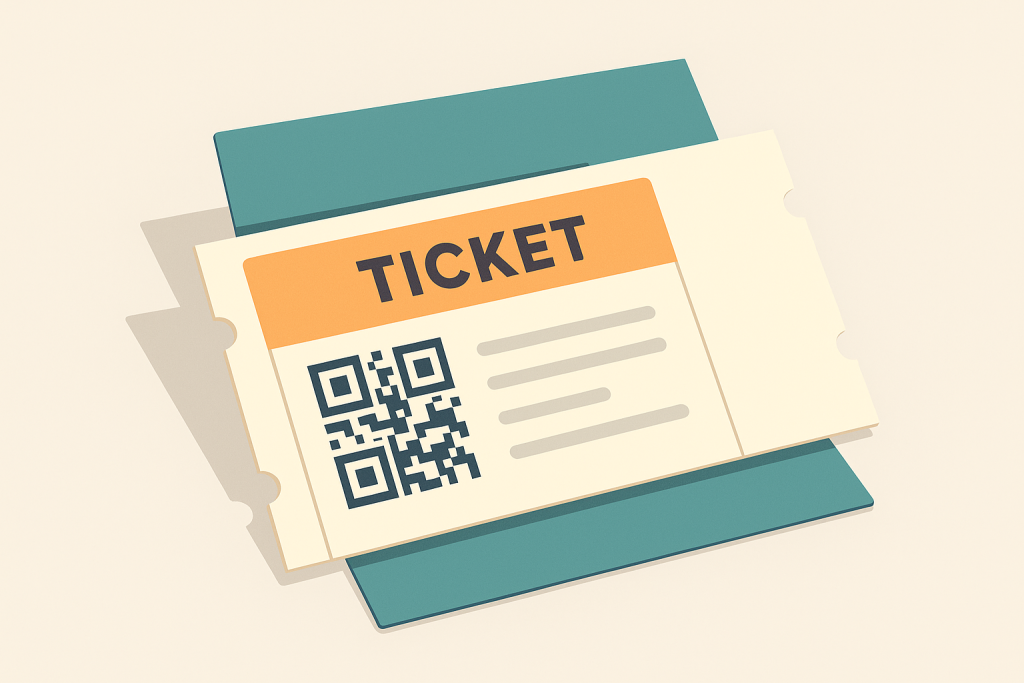
A ticket can look great and still fail at the door if the code is too small, too close to a fold, placed over a busy background, or hard to scan from a phone screen.
The scan code is not a decorative element. It is the operational core of the ticket. Everything else should support it.
- Keep the QR code or barcode large enough for quick scanning.
- Leave clear space around the code so the scanner can read it easily.
- Avoid fold lines on printed tickets.
- Use strong contrast instead of placing codes over complex artwork.
- Print and scan a sample before finalizing the template.
For more design ideas, read our guide on how to create a neatly looking ticket template.
Add Useful Extras, Not Clutter
A ticket can act as a mini information sheet, but it should not become a newsletter. Add only what helps attendees or staff.
| Useful on a ticket | Usually too much |
| Event name, date, and time | Long event descriptions |
| Venue and entrance instructions | Full terms and conditions on page one |
| Ticket type, seat, or zone | Too many sponsor logos competing for attention |
| Short parking or ID note | Dense paragraphs of small text |
| Meal choice or custom field if needed | Decorative elements that reduce scan clarity |
If you collect custom fields during checkout — for example T-shirt size, meal preference, accessibility needs, or seat selection — those details can be useful on the ticket. Just keep the layout calm enough that the most important information is still easy to find.
Use Sponsor Space Strategically
Tickets can create sponsor value, especially when attendees keep them in their inbox, wallet, or printed folder. A small sponsor banner, discount code, or partner logo can be useful — but only if it does not interfere with scanning or readability.
Sponsor visibility is valuable. A broken check-in experience is expensive. Do not trade the second for the first.
Make It Work on Screen and Paper
Even if you expect mostly digital tickets, some attendees will print. Even if you expect printed tickets, some people will show a phone. A good template should survive both situations.
- Use readable font sizes.
- Avoid very light gray text.
- Make the code visible without zooming.
- Test on a phone screen and a budget printer.
- Keep the layout clear in grayscale.
Perfect Ticket Checklist
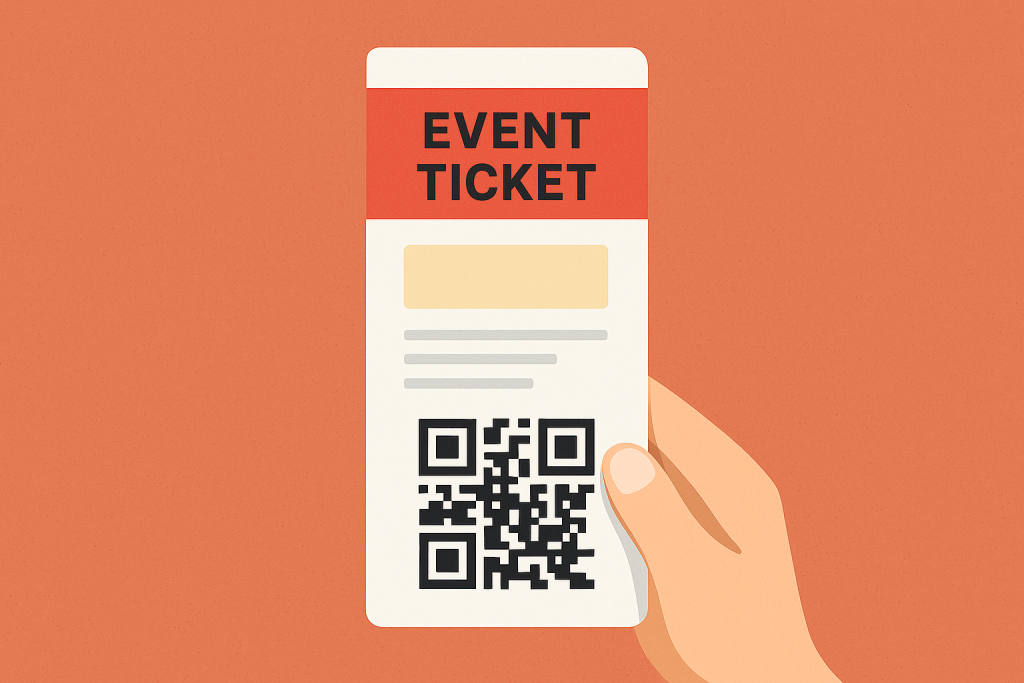
- Decide whether the ticket should be digital-first, print-first, or both.
- Make the QR code or barcode large, clear, and easy to scan.
- Keep key event details visible at a glance.
- Use branding without overpowering the functional parts.
- Add sponsor space only where it does not create clutter.
- Include useful custom fields only when they help the event flow.
- Test the final ticket on phone screen and paper.
Final Thoughts
The anatomy of a perfect ticket depends on who is holding it. A digital-first crowd may need nothing more than a clear QR code in an email. A premium event may need a polished PDF that feels like part of the experience.
Either way, do not treat the ticket as an afterthought. It is part of your communication, your branding, your check-in workflow, and sometimes even your revenue strategy. The best ticket makes life easier for attendees, staff, sponsors, and organizers at the same time.
Recommended Reading
- Create a Neatly Looking Ticket Template
- Ticket Check-In at the Door
- Barcode Scanners vs Checkinera App
FAQ
What makes a good event ticket?
Clear event details, a reliable scannable QR or barcode, your branding, the essential terms, and a clean design that works on mobile where most tickets are shown.
What information should be on a ticket?
The event name, date, time, and venue, the ticket type and holder, a unique scannable code, and any key conditions such as entry rules or refunds.
Should event tickets be branded?
Yes. Branded tickets reinforce your event identity and look professional, while the scannable code keeps them fully functional for fast, secure check-in.