Halloween is one of the easiest seasons to have fun with your website. Visitors already expect costumes, pumpkins, dark colors, strange little surprises, and the occasional flying bat that probably should not be there — but somehow works.
If you are hosting a Halloween party, selling seasonal tickets, running a themed promotion, or simply want your site to feel more alive in October, you do not need a full redesign. A few well-placed changes can make the whole experience feel more festive.
Short version: you can Halloweenize your website with a countdown, seasonal visuals, themed colors, better ticket options, and a few playful details — without making the site harder to use.
The key is balance. Halloween design should create atmosphere, not turn your website into a haunted maze where visitors cannot find the ticket button.
Start With a Halloween Countdown
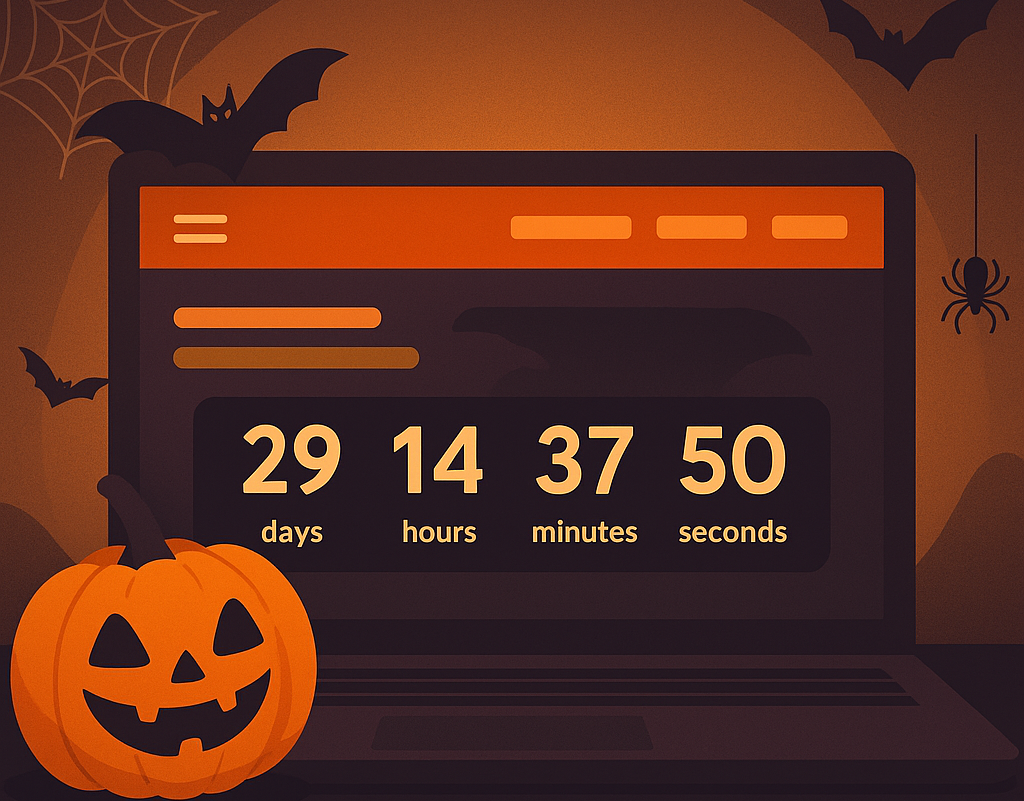
If you are planning a Halloween event, a countdown timer is one of the simplest ways to build anticipation. It gives visitors a visual reminder that the event is getting closer and that tickets will not stay available forever.
You do not need custom development for this. A plugin like Halloween Countdown can add a seasonal timer quickly. Once installed, you can place the shortcode where it matters most: near the hero section, above the ticket button, or on the event landing page.
Best Places to Use a Countdown
- At the top of the event landing page
- Near the “Buy Tickets” button
- Inside an announcement bar
- On a dedicated Halloween campaign page
Countdowns also work well with broader ticket sales tactics. If you want to go deeper, our guide on how to sell out your event covers strategies that work beyond Halloween too.
Add Pumpkins, Bats, Ghosts — But Use Them Carefully
Halloween gives you permission to be playful. A few bats, ghosts, pumpkins, cobwebs, or spooky illustrations can instantly change the mood of a website.
The trick is not to overdo it. Seasonal animations should support the page, not interrupt it. If a floating ghost covers the checkout button or a swarm of bats slows down the event page, the decoration has gone too far.
A plugin like Halloween Animations can help you add seasonal effects quickly. Use it selectively: homepage, landing page, or a single event page is usually enough.
| Good Halloween effect | Use with caution |
| Small animated bats in the background | Large animations covering buttons |
| Subtle orange/purple accents | Changing every color on the site |
| Seasonal hero image | Autoplay audio or distracting popups |
| Countdown near ticket CTA | Countdowns on every page section |
Give the Site a Seasonal Look Without Rebuilding Everything
If you want a stronger Halloween mood, WordPress gives you a few options. You can switch to a seasonal theme, create a dedicated landing page, or simply adjust colors and imagery for a limited time.
Some Halloween-friendly themes on WordPress.org include:
- Halloween Party — useful for promoting a party or themed event.
- ST Halloween — a responsive seasonal theme with a lighter festive feel.
- Halloween Store — a WooCommerce-ready option for seasonal products or ticket sales.
If you already have a strong brand identity, do not switch themes just for a few days. Instead, make smaller visual changes: update the hero image, add a Halloween banner, adjust button colors, or use a seasonal palette from Color Hunt’s Halloween palettes.
Design rule: make the page feel seasonal, but keep the ticket path familiar.
Selling Tickets for a Halloween Party? Make the Offer Fun
If your Halloween website is connected to an actual event, the ticket setup is where the fun can turn into revenue. With Tickera, you can create ticket types that match the theme instead of using generic names.
| Ticket type | What it could include |
| Standard Entry | General access to the event |
| Ticket + Candy Bag | Entry plus a themed goodie bag |
| VIP Ghoul Pass | Early entry, drink token, or haunted-room access |
| Costume Contest Entry | Event access plus contest participation |
If you use WooCommerce, Tickera’s Bridge for WooCommerce lets you sell tickets through WooCommerce products and variations. That can be useful if you want different ticket bundles, seasonal coupons, or a familiar checkout flow.
Do Not Forget Check-In and Event Data
A fun Halloween event still needs a smooth door experience. The Checkinera apps let your team scan tickets on iOS or Android devices, online or offline, so guests can enter without awkward list-checking at the door.
If your event includes extras like a costume contest, meal choice, workshop, or VIP area, collect that information before the event. Tickera’s Custom Forms add-on can help you ask the right questions during checkout, and CSV Export makes planning easier once responses start coming in.
Keep the Halloween Energy Going Before and After the Event
The website is only one part of the experience. Good communication helps turn a seasonal event into something people remember.
- Send a reminder before ticket prices change or sales close.
- Share costume guidelines, arrival time, and parking details.
- Send a thank-you email after the event.
- Invite attendees to next year’s list while the memory is fresh.
For more ideas, read our guide on mastering event communication before, during, and after. If you use Tickera integrations like Mailchimp or Customer.io, you can make those follow-ups much easier to manage.
Halloween Website Checklist
- Add a countdown near the ticket call-to-action.
- Use seasonal colors without hurting readability.
- Add one or two playful animations, not ten.
- Create themed ticket names or bundles.
- Make the “Buy Tickets” button easy to find.
- Prepare check-in before event night.
- Send useful reminders before and after the event.
Final Thoughts
Halloween is a perfect excuse to make your website feel more playful. A countdown, seasonal colors, animated details, themed tickets, and clear event messaging can make a normal page feel like part of the event experience.
Just remember the goal: atmosphere should support action. Visitors should enjoy the spooky details, understand the event, and still find the ticket button without needing a flashlight.
Recommended Reading
- How to Sell Out Tickets for Your Event
- Mastering Event Communication Before, During, and After
- Create a Neatly Looking Ticket Template
FAQ
Should I theme my event website for holidays like Halloween?
A tasteful seasonal theme can boost engagement and give people a timely reason to buy, as long as it does not hurt usability, speed, or the checkout flow.
How do I add a Halloween theme without hurting conversions?
Keep changes light — seasonal visuals and copy — test page speed and the checkout afterward, and never let decorative elements cover your ticket call to action.
Do seasonal promotions increase ticket sales?
Tied to a clear offer and a deadline, seasonal campaigns can lift sales by giving people a timely, themed reason to act now rather than later.