Drive-in events became popular again because they solve a simple problem: people can attend together while staying naturally separated by vehicles. But drive-in ticketing is not exactly the same as selling a normal general admission ticket.
You are not only managing people. You are managing cars, parking spaces, viewing angles, arrival flow, audio instructions, and sometimes different ticket rules for passengers inside each vehicle.
Short version: sell drive-in tickets by vehicle or parking spot, explain passenger rules clearly, prepare arrival instructions, test check-in before cars start lining up, and include important event rules directly in ticket emails.
Start With the Drive-In Model
The first decision is what you are actually selling. Some drive-in events sell one ticket per vehicle. Others sell parking zones, premium rows, or a base vehicle ticket with passenger add-ons. Your ticket structure should match the way the venue operates.
| Ticket model | Best for | What to clarify |
|---|---|---|
| One ticket per vehicle | Simple drive-in events | Maximum passengers per car. |
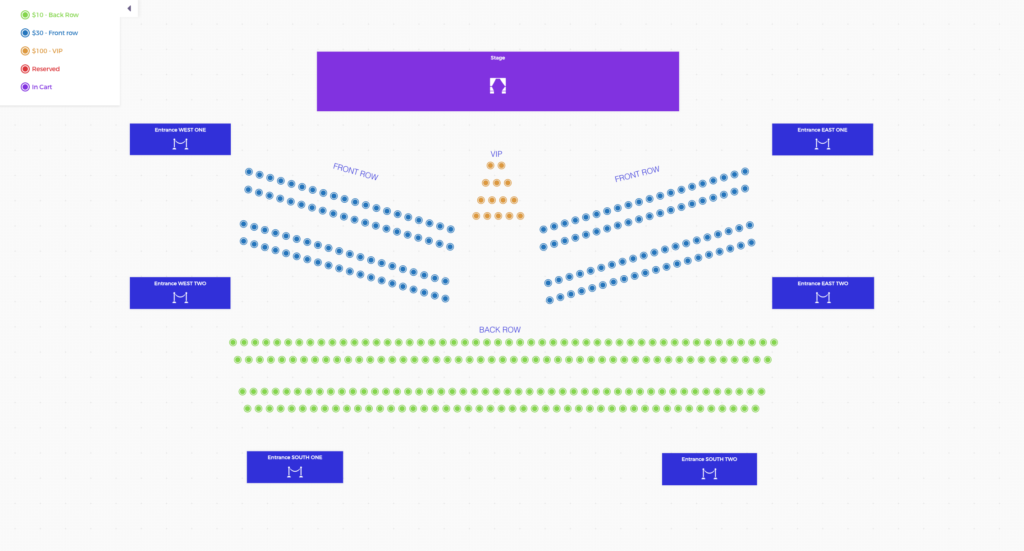
| Zone-based tickets | Different viewing areas | Arrival route and parking section. |
| Premium rows | Movies, concerts, performances | How spots are assigned. |
| Vehicle + passenger add-ons | Events with per-person limits | How staff checks passenger count. |
Use Capacity Based on Parking, Not Just People
For drive-in events, capacity usually depends on available vehicle spaces. A field that can hold 500 people might only support 120 cars with safe spacing, emergency lanes, and clear sightlines.
Before opening sales, map the venue and decide how many vehicles can realistically fit. Leave room for staff, performers, emergency access, restrooms, food pickup, and exits.
Make Attendee Instructions Extremely Clear
Drive-in events need more instructions than standard events. Attendees must know when to arrive, where to enter, how parking works, whether they can leave their car, how audio is delivered, and what behavior is expected during the show.
- Arrival window and gate closing time.
- Entry route and parking zone instructions.
- Passenger limit per vehicle.
- Audio instructions, such as FM radio frequency or app details.
- Rules for headlights, engines, honking, food, restrooms, and leaving early.
Put the most important rules on the event page, confirmation email, and ticket template. If people only see the rule at the entrance, it is too late.
Plan Check-In Around Vehicles
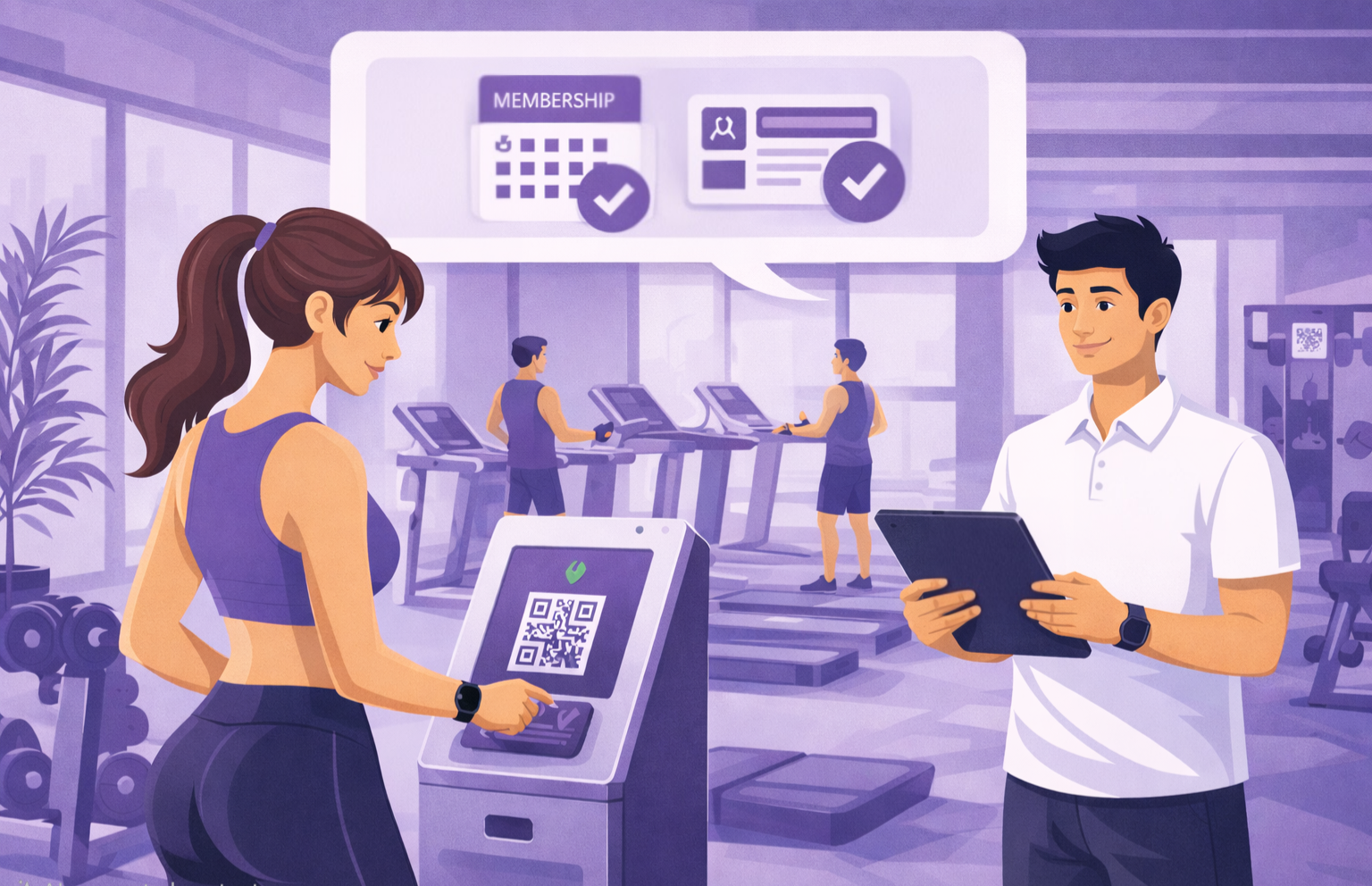
Vehicle-based check-in can create long lines if the entrance is not planned. Staff need to scan the ticket, confirm the vehicle or passenger rule, and direct the driver without blocking the next car.
Use multiple lanes if possible, keep a separate problem-solving lane, and test your scanning devices before cars arrive. For larger events, review your Checkinera check-in workflow before event day.
Use Ticket Types to Reduce Gate Confusion
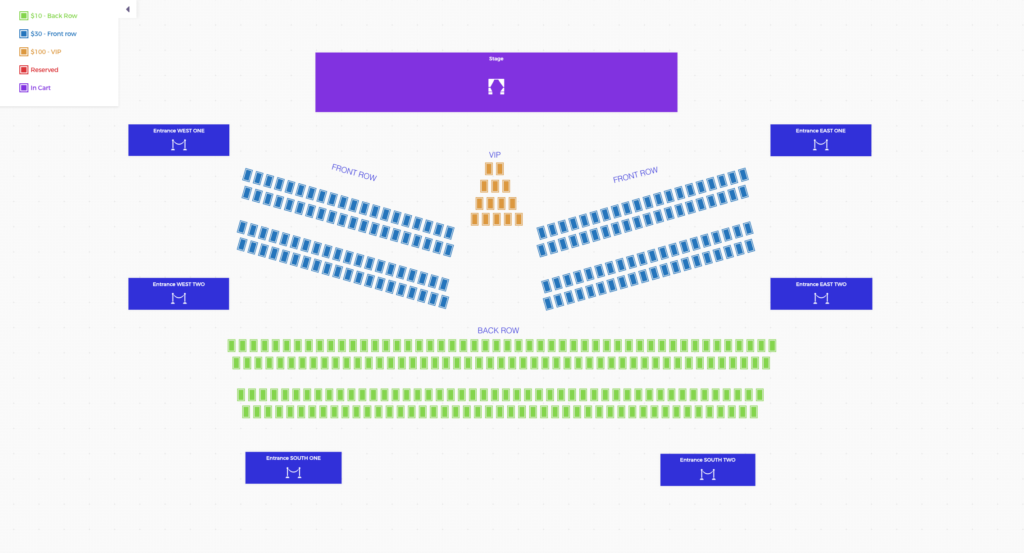
Drive-in events often become confusing when every buyer receives the same generic ticket. If the venue has zones, rows, VIP spaces, or different vehicle sizes, create ticket types that make those differences obvious. A staff member should be able to read the ticket and direct the car immediately.
You can also use ticket descriptions to clarify what is included. For example, “one vehicle, up to four passengers” is much clearer than “General Admission.” The more specific the ticket is before purchase, the fewer arguments happen at the gate.
Drive-In Event Checklist
- Decide whether tickets are per vehicle, per person, or by zone.
- Map real vehicle capacity before sales begin.
- Create ticket types that match the parking plan.
- Write clear arrival, parking, audio, and behavior instructions.
- Add key instructions to ticket emails and templates.
- Prepare multiple check-in lanes if the crowd is large.
- Test ticket scanning from a car-window workflow.
- Train staff on exceptions, late arrivals, and wrong ticket types.
Communicate Rules Before Arrival
Drive-in rules should be visible long before cars reach the entrance. If headlights must stay off, engines should be quiet, or attendees need a radio frequency, include those instructions in the confirmation email and ticket template.
Clear communication keeps the entrance moving and gives staff fewer problems to solve while cars are waiting behind the attendee.
Frequently Asked Questions
Should drive-in tickets be sold per car or per person?
Most drive-in events are simpler per car, but per-person or passenger add-ons can work if your event model requires it. The important part is making the rule clear before purchase.
How do I control drive-in event capacity?
Base capacity on safe vehicle spaces, not only attendee count. Include space for lanes, emergency access, staff, food service, and exits.
Can Tickera handle drive-in event check-in?
Yes. You can sell tickets with Tickera and scan them at the entrance. Just test the process for a vehicle-based line before the event starts.
Final Thoughts
Drive-in events can be fun, safe, and memorable, but they need a ticketing setup built around vehicles, not just attendees.
Define the ticket model, manage capacity carefully, communicate the rules early, and make check-in fast enough that the event starts with excitement instead of a traffic jam.