If you’ve worked on live events for a while, you already know that check-in has a personality of its own.
Everything can look perfectly fine right until the doors open.
Then suddenly there are multiple entrances, overloaded mobile networks, operators asking why one ticket failed, attendees pulling out screenshots from six months ago, somebody scanning the same ticket twice, and a growing line of people who absolutely do not care that the venue wifi gave up fifteen minutes ago.
Hydra was built specifically for that part of the event.
A quick but important note
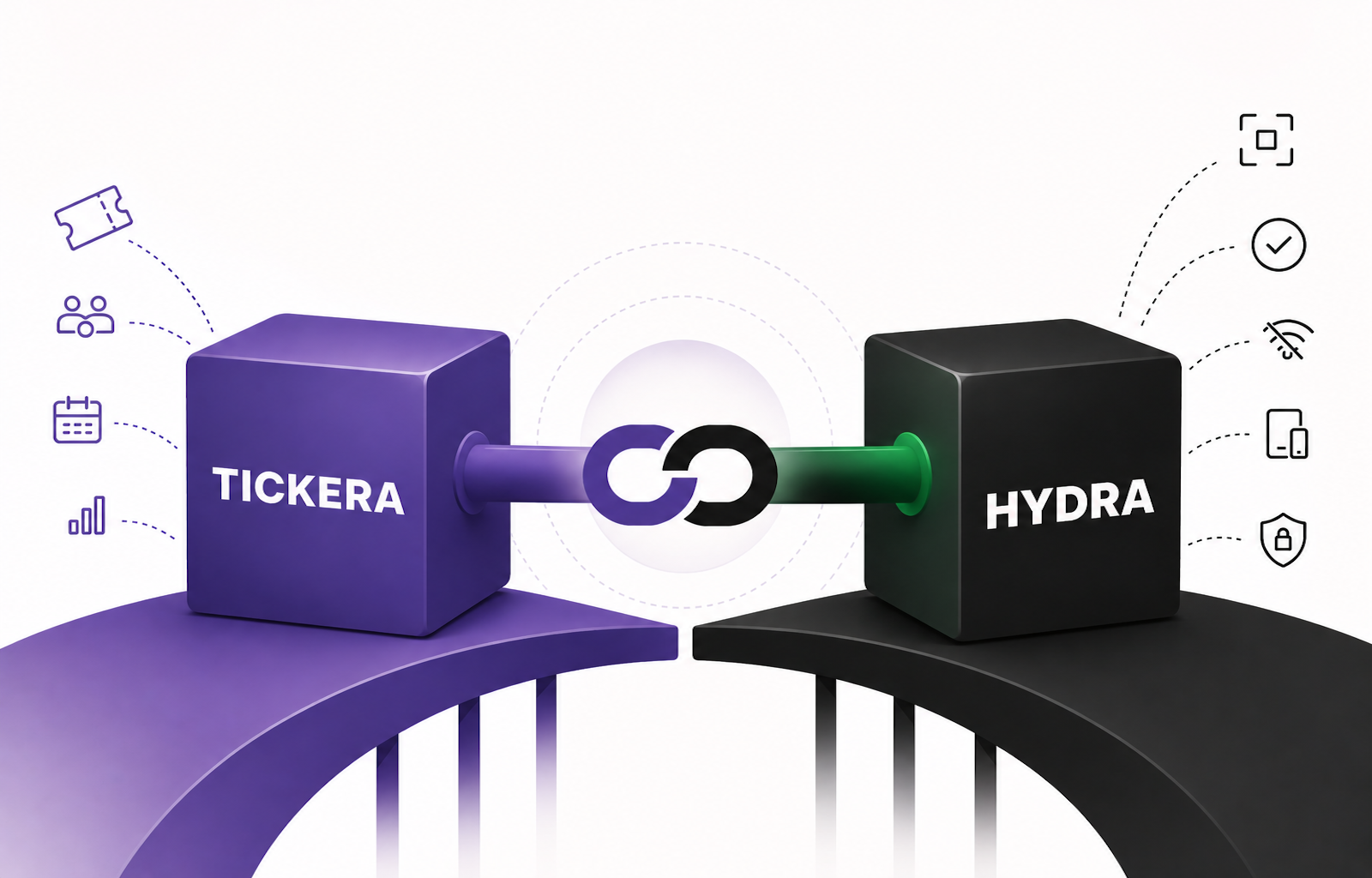
Hydra is not a Tickera product, and it was not built by the Tickera team. It is made and maintained by a separate, independent company — the team at Hydra Check-in, a partner we trust — and it connects to Tickera through their Hydra Bridge plugin.
Our own check-in app, Checkinera, is not going anywhere — we will keep developing and supporting it exactly as we always have. Hydra is simply one more option in the Tickera ecosystem, so you can pick the check-in tool that fits your event best.
So what exactly is Hydra?
Hydra is a standalone check-in application designed to work alongside Tickera via its own plugin called Hydra Bridge
It supports both Tickera standalone setups and Tickera with WooCommerce through the Bridge for WooCommerce add-on, allowing organizers to keep their existing ticketing workflow while upgrading the actual check-in experience.
Hydra focuses specifically on entrance workflows, operator experience, offline operation, and fast attendee validation across multiple devices.
In simpler terms: it was built for the people standing at the door.
Built around real-world event chaos
The team behind Hydra has spent years working closely with Tickera users — helping organizers during live events, troubleshooting workflows, and watching the same operational problems repeat over and over again. That hands-on experience is exactly where Hydra came from.
- The internet becomes unstable or there is none at all.
- An operator needs to know immediately why a ticket failed
- A guest insists they were already checked in “by the other guy near the entrance”.
- Somebody needs to quickly see check-in history before deciding what to do next.
Those small moments are usually what creates the most stress during events, and Hydra was designed around tackling these and many more situations.
Offline-first and local network ready
The entire system was built around one assumption: internet connectivity at events is never something you should trust and rely on to.
Attendee databases can be downloaded directly to devices before the event starts, allowing operators to continue checking attendees in even if internet access becomes unstable or disappears entirely.
In fact, if you’re using multiple devices, one device can acts as the “master” and downloads attendee database. The rest of the devices can connect directly to it if they are in the same local network and check-in can start on all of them, while syncing check-in records between devices. And if the “master” device has access to the internet, it will sync check-in records quietly in the background. If not, no worries – once internet access becomes available again, you can sync master device with the online database at any point.
Clear check-in results instead of surprises
One thing that kept coming up during real events was a problem of vague failed check-in messages. This is especially frustrating in heavy-load, high-pressure situations.
Hydra doesn’t simply reject a ticket and leave operators guessing.
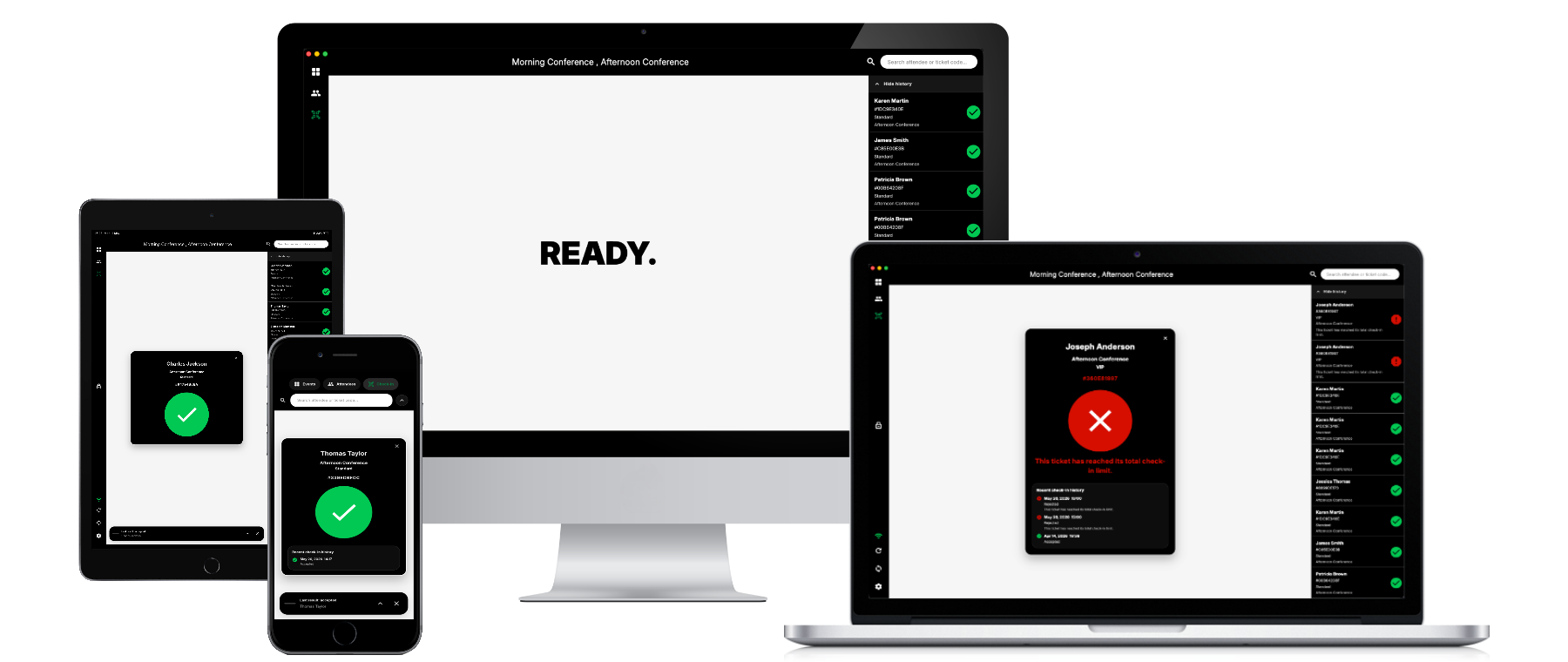
If a check-in fails, the app can clearly explain why. Already checked in. Check-in limit reached. Order not paid. Outside the allowed check-in window. And so on…
That sounds like a small detail until you’re trying to move a line forward while an attendee stares directly into your soul waiting for an explanation.
Hydra also includes attendee history visibility, allowing operators to quickly see previous scans and activity when needed.
Privacy-first approach
Right from day one, privacy was one of the core ideas: no attendee information should ever reach wrong hands. Because of this, the whole communication between attendee database and devices used for check-in stays private and never touches any external servers or third parties.
That approach also extends deeper into the system itself and allows organizers to control which attendee information is even forwarded to devices in the first place. If certain data is disabled inside Hydra Bridge plugin, it never reaches the app at all.
This means operators can still perform check-ins efficiently without unnecessary exposure to attendee information they simply do not need.
For many organizers, especially larger ones, that distinction matters quite a bit.
Works across desktop and mobile platforms
Hydra currently supports:
- iOS
- Android
- macOS
- Windows
- Linux
Some organizers prefer dedicated desktop scanning stations with handheld barcode scanners.
Others run the entire event from tablets or mobile phones.
Hydra was intentionally designed to adapt to different environments instead of assuming every event works the same way.
Kiosk mode for self check-ins
Some events prefer having staff at the entrance while others want attendees to scan their own tickets at self-service stations.
Hydra includes a kiosk mode designed specifically for those scenarios. The interface becomes simplified and focused entirely on attendee self check-in, making it useful for conferences, business events, trade shows, or venues trying to reduce pressure on entrance staff during busy periods.
And yes, people will still occasionally try to scan random things into it. That part appears to be universal and there’s probably little Hydra can do about it (although… hmmm…).
Seating Charts support included
For organizers using the Tickera Seating Charts add-on, Hydra also supports assigned seating information during check-in workflows.
Seat labels and related seating information can be visible directly inside the app, which becomes particularly useful at larger seated events where operators occasionally need to quickly confirm attendee placement or ticket validity.
Hydra works with Tickera, not instead of it
This is probably the most important clarification in the entire post.
Hydra is not trying to replace Tickera.
Tickera continues handling ticket sales, WooCommerce integration, events, attendee management, Seating Charts, and the rest of the ticketing workflow organizers already know.
Hydra focuses on the actual check-in experience – scanning, validation, synchronization, operator workflows, and entrance management.
And it does not replace Checkinera either. Checkinera is our own check-in app, we will keep developing and supporting it just as we always have, and plenty of organizers will happily stick with it. The simplest way to think about it: Tickera handles ticket sales, and when the doors open you can reach for Checkinera (ours) or Hydra (our partner’s) — whichever fits your event. The two check-in apps can even run side by side.
Free tool — Check-in Queue Planner: When the door can’t afford to fail, size the lane count before showtime. Venuera’s free Check-in Queue Planner simulates your door minute by minute and tells you how many scan lanes to run, your peak queue wait, and how many guests are still outside at showtime — it runs in your browser with no sign-up. Plan your door →
Still evolving
Hydra is already available on desktop and mobile platforms, and development continues actively based on feedback from real organizers and real events.
New integrations, workflow improvements, quality-of-life features, and additional tools are constantly being explored, then tested, broken, rebuilt, and occasionally questioned at 3 AM during development sessions.
Which is probably a pretty normal way to build event software.
Curious to see it in action?
You can learn more about Hydra, supported integrations, platforms, and features at https://hydracheckin.com
There’s also a public demo available here if you want to get a feel for the workflow before trying it at an actual event.