Your event ticketing website can be perfectly designed, your checkout can work flawlessly, and your confirmation email can still disappear into a spam folder.
That is the uncomfortable part of WordPress email deliverability. “Sent” does not always mean “delivered.” And for event organizers, that difference matters.
If attendees do not receive ticket confirmations, receipts, password resets, venue updates, or last-minute instructions, they do not blame email infrastructure. They blame the event experience.
Short version: do not rely on default WordPress email for important event communication. Use SMTP or a transactional email provider, authenticate your domain with SPF/DKIM/DMARC, keep your sender identity consistent, and monitor what actually gets sent.
What Email Deliverability Really Means
Email deliverability is the chance that your message reaches the inbox instead of spam, promotions, quarantine, or nowhere at all.
Out of the box, WordPress sends email through the wp_mail() function, which often relies on your server’s PHP mail setup. That can technically send messages, but it does not always provide the authentication signals inbox providers expect.
For a normal blog comment notification, that may be annoying. For ticket sales, order confirmations, downloadable tickets, and event updates, it becomes operational risk.
Why WordPress Emails Go Missing
Most deliverability issues come from a few predictable causes. The good news: they are fixable once you know where to look.
| Problem | What it means | Why it hurts event sites |
|---|---|---|
| Default PHP mail | Your site sends email without strong authentication. | Ticket confirmations may be rejected or deprioritized. |
| Missing SPF/DKIM/DMARC | Inbox providers cannot verify your domain properly. | Messages can land in spam or be blocked. |
| Inconsistent sender details | From/reply-to/domain details do not match. | Emails look less trustworthy to filters and attendees. |
| Spammy email content | Too many links, unclear copy, poor formatting, or misleading subjects. | Important event messages can be filtered or ignored. |
| No email logging | You cannot confirm what was sent or when. | Support becomes guesswork when someone says “I never got it.” |
Think of deliverability as the backstage crew for event communication. If it works, nobody notices. If it fails, the whole experience feels broken: attendees cannot find tickets, support receives avoidable messages, and check-in starts with unnecessary friction.
Step 1: Stop Relying on PHP Mail
The first practical improvement is to send WordPress emails through SMTP or a transactional email provider.
SMTP makes your WordPress site communicate with a real mail server that can authenticate the message. For ticketing websites, this is one of the highest-impact reliability upgrades you can make.
Common WordPress SMTP Plugin Options
- WP Mail SMTP — popular, beginner-friendly, supports common mail providers.
- Post SMTP Mailer/Email Log — useful logging and fallback features.
- Easy WP SMTP — lightweight option for direct SMTP credentials.
For small sites, SMTP through an existing email provider may be enough. For higher-volume ticket sales, consider a transactional provider such as SendGrid, Mailgun, or Amazon SES. Gmail can work for testing or light use, but it is not designed to be the backbone of busy transactional event email.
Step 2: Authenticate Your Domain
SPF, DKIM, and DMARC sound technical, but their job is simple: they help inbox providers decide whether your email is legitimate.
| Record | What it proves | Plain-English version |
|---|---|---|
| SPF | Which servers can send mail for your domain. | “These senders are allowed.” |
| DKIM | The message was signed by your domain. | “This email was not forged or changed.” |
| DMARC | What to do when SPF/DKIM fails. | “If something looks wrong, handle it this way and report it.” |
Your email provider usually gives you the exact DNS records to add. In many cases, setup is mostly copy-paste into your DNS provider.
Helpful Testing Tools
- MXToolbox SPF for SPF checks.
- DKIMCore for DKIM testing.
- Google Postmaster Tools for monitoring domain reputation with Gmail.
Start with a DMARC policy of p=none if you are still monitoring and testing. Once everything is aligned, you can move toward a stricter policy with more confidence.
Step 3: Use a Trustworthy From Name and Address
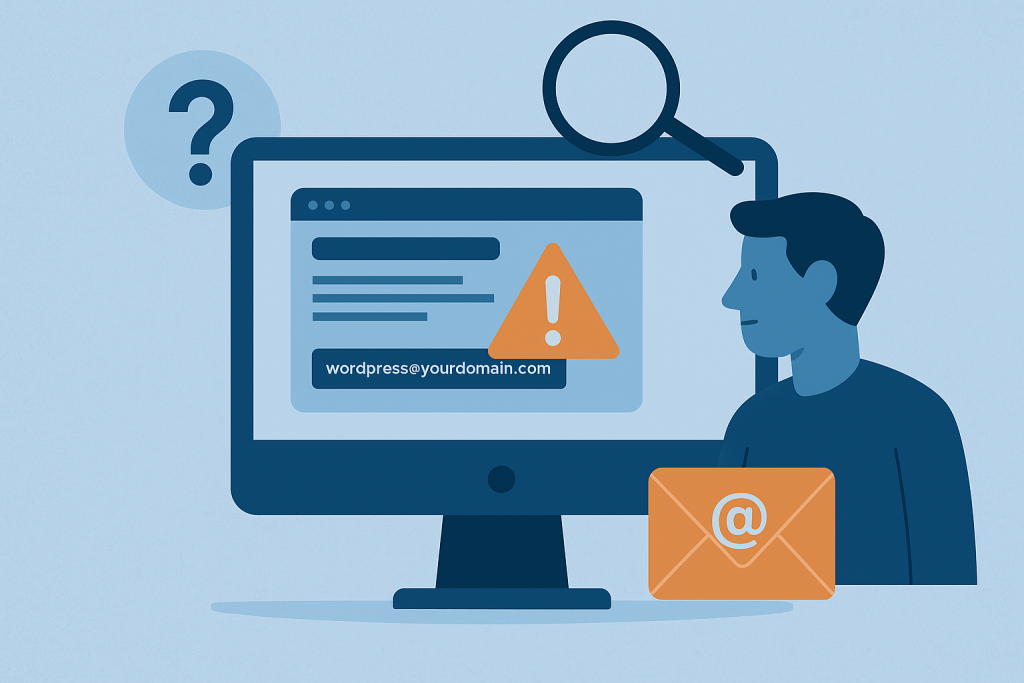
Default WordPress emails often come from addresses like wordpress@yourdomain.com. That is not ideal for attendee trust or brand consistency.
| Better sender option | Best use |
|---|---|
| tickets@yourdomain.com | Ticket confirmations and order receipts. |
| events@yourdomain.com | General event updates and attendee communication. |
| support@yourdomain.com | Questions, changes, and customer service. |
| noreply@yourdomain.com | Use carefully; it can feel unfriendly and block useful replies. |
Keep the “from” name, sender email, reply-to address, and brand voice consistent. If the customer bought a ticket from your event brand, the confirmation should look and sound like it came from the same place.
Step 4: Log Your WordPress Emails
Email logging does not fix deliverability by itself, but it gives you visibility when something goes wrong.
When an attendee says they never received a ticket, you need to know whether WordPress generated the message, who it was sent to, when it was sent, and whether your mail system reported an error.
| Email log should show | Why it helps |
|---|---|
| Recipient | Confirms the email address used at checkout. |
| Subject | Shows which notification was triggered. |
| Timestamp | Helps match the message to an order or support request. |
| Status/error | Shows whether sending failed or succeeded from WordPress. |
Some SMTP plugins include logging. If yours does not, plugins such as WP Mail Logging or Email Log by Sudar can help.
Step 5: Improve the Emails Themselves
Technical setup matters, but email content still affects trust. Transactional event emails should be clear, branded, and useful.
A ticket confirmation is not just a receipt. It is often the attendee’s first real proof that the purchase worked.
| Good event email practice | Why it matters |
|---|---|
| Use a clear subject line | Attendees can find their ticket later. |
| Include event date, time, and venue | Reduces confusion before event day. |
| Link to the ticket or include it clearly | Improves check-in speed. |
| Avoid excessive links and gimmicky wording | Reduces spam-filter risk. |
| Use a helpful reply-to address | Lets attendees ask real questions. |
Good communication is part of event operations, not just marketing. That is why we also recommend reviewing your broader event communication before, during, and after the event.
Deliverability Checklist for Event Websites
- Install and configure an SMTP plugin or transactional email provider.
- Send test emails to Gmail, Outlook, and any common attendee domains.
- Add SPF, DKIM, and DMARC records for your sending domain.
- Use a recognizable sender name and email address.
- Keep reply-to addresses consistent and monitored.
- Enable email logging before ticket sales go live.
- Review ticket confirmation content for clarity and usefulness.
- Test order confirmation, password reset, account, refund, and event update emails.
Frequently Asked Questions
Do I really need SMTP for a WordPress event website?
Yes, if your website sends ticket confirmations, receipts, password resets, or attendee updates. Default WordPress email can work, but SMTP or a transactional provider gives your messages stronger authentication and better reliability.
What are SPF, DKIM, and DMARC?
They are DNS records that help inbox providers verify that your emails are allowed to come from your domain. SPF lists approved senders, DKIM signs messages, and DMARC tells providers what to do when authentication fails.
How can I tell if ticket emails are being sent?
Enable email logging in your SMTP plugin or use a dedicated email log plugin. Logs help you confirm whether WordPress generated the message, when it was sent, and which address it was sent to.
Final Thoughts
Email deliverability is not magic. It is configuration, authentication, monitoring, and clear communication.
For event websites, that work pays off quickly. Every ticket confirmation that lands properly reduces support load. Every clear update builds trust. Every logged message gives your team confidence when a customer asks for help.
Once your email system is stable, your ticketing website can keep doing its job in the background — and you can even take a break knowing important messages are still moving.